


OneAce
Supercharge your brain.
Get answers, find inspiration, and be more productive. OneAce runs locally on your device for speed and privacy.

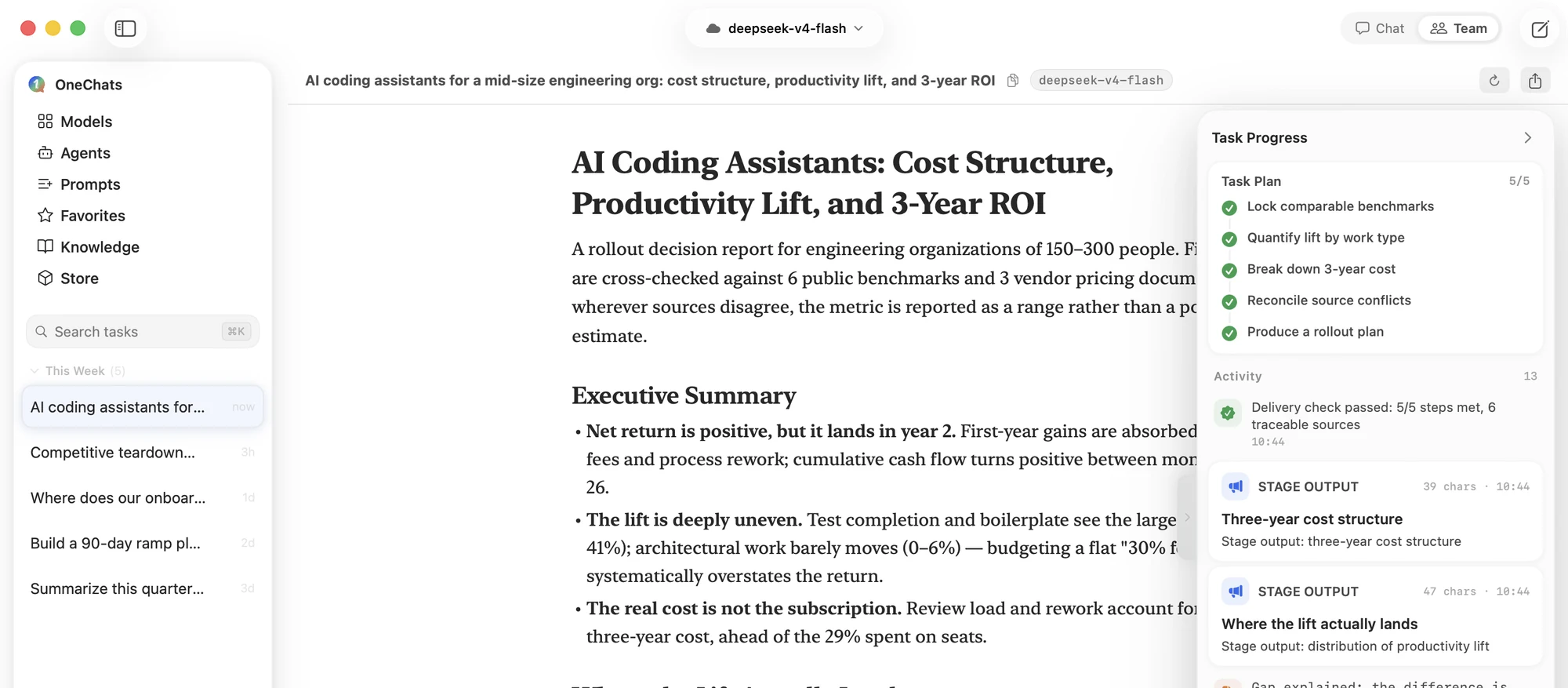
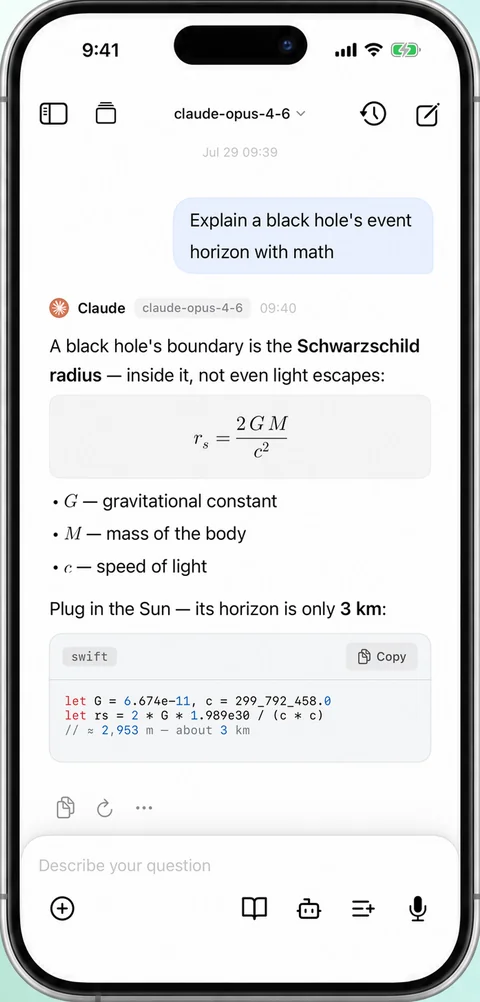
Beyond the Chat Box
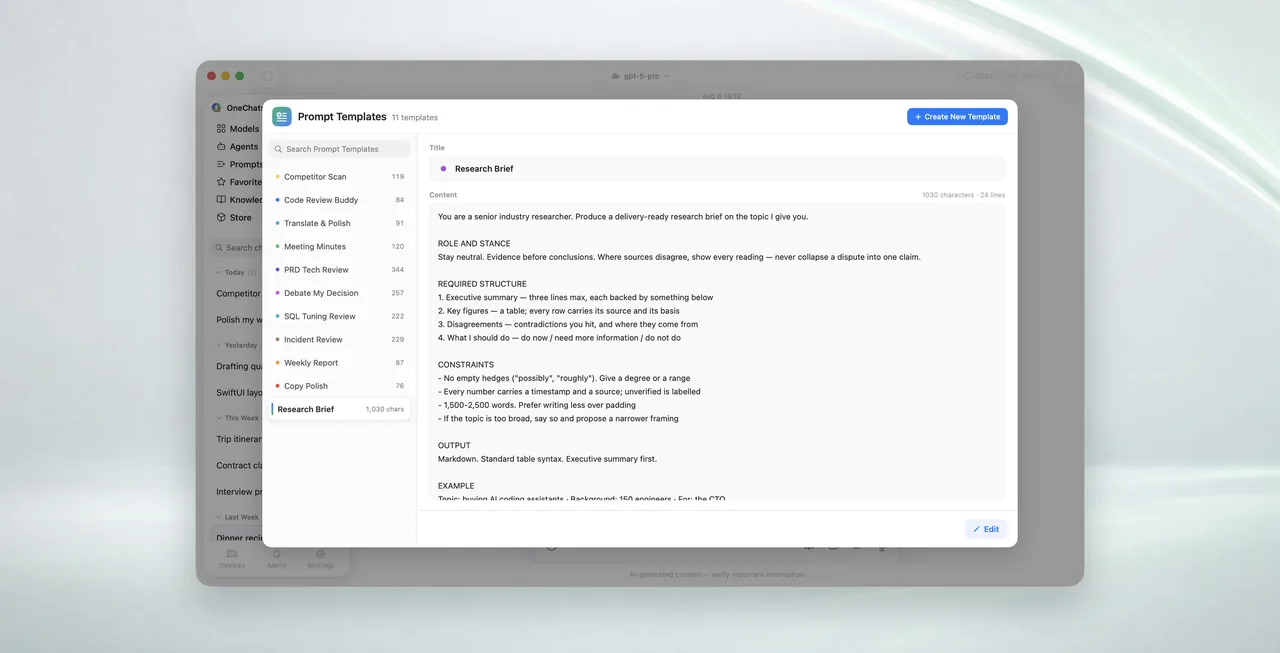
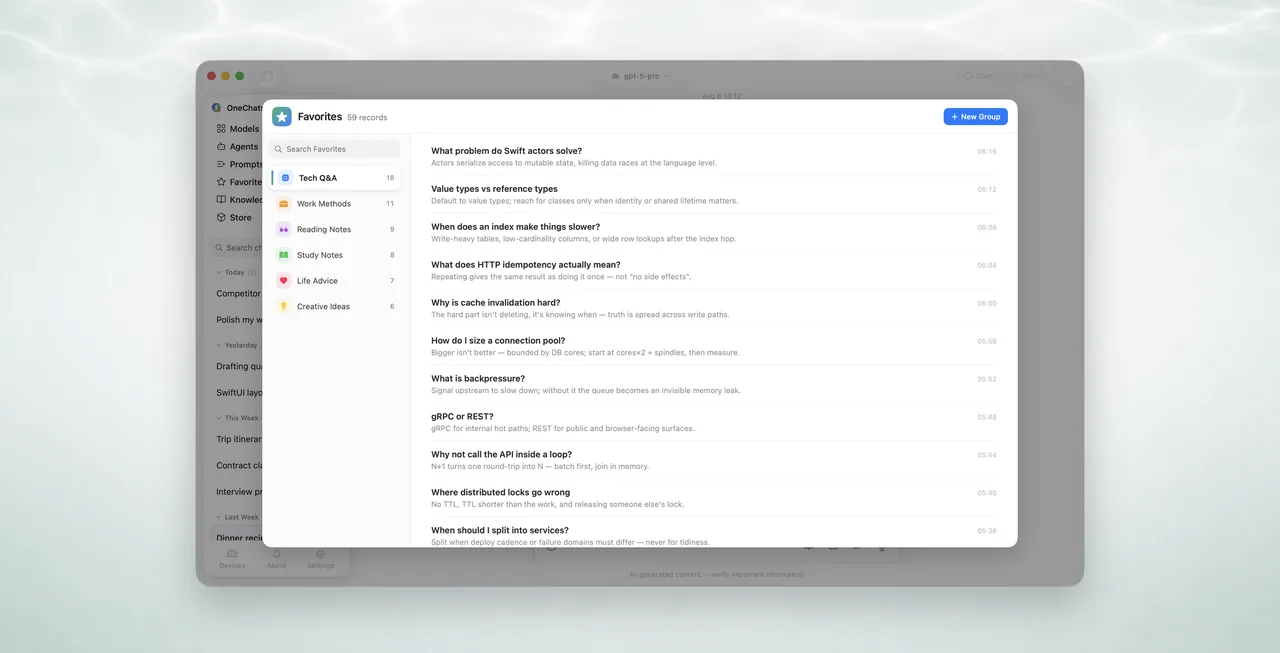
From a quick question to a cited report, from cloud models to on-device inference — all in one app.
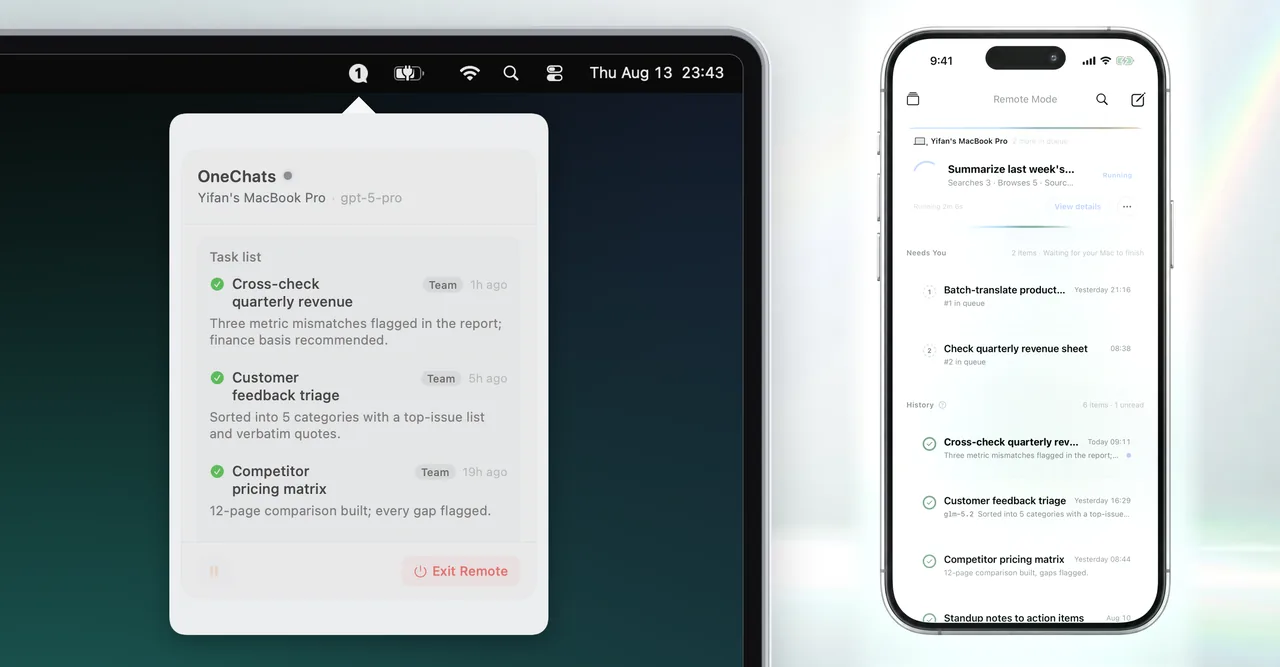
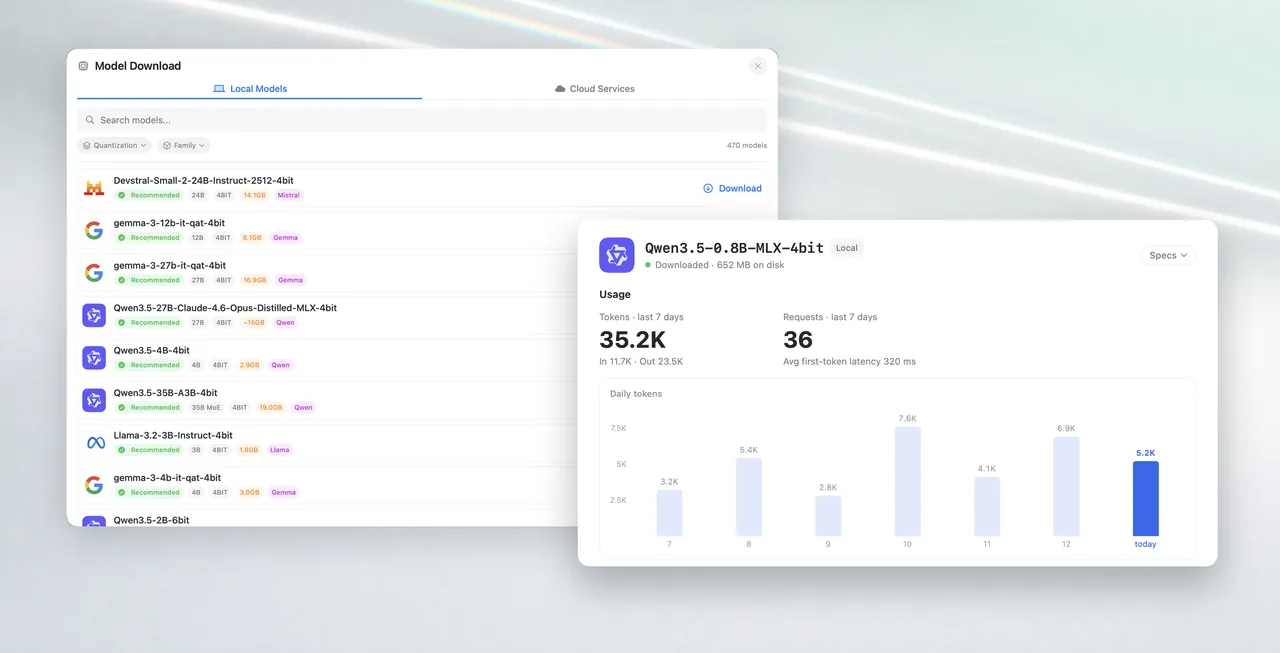
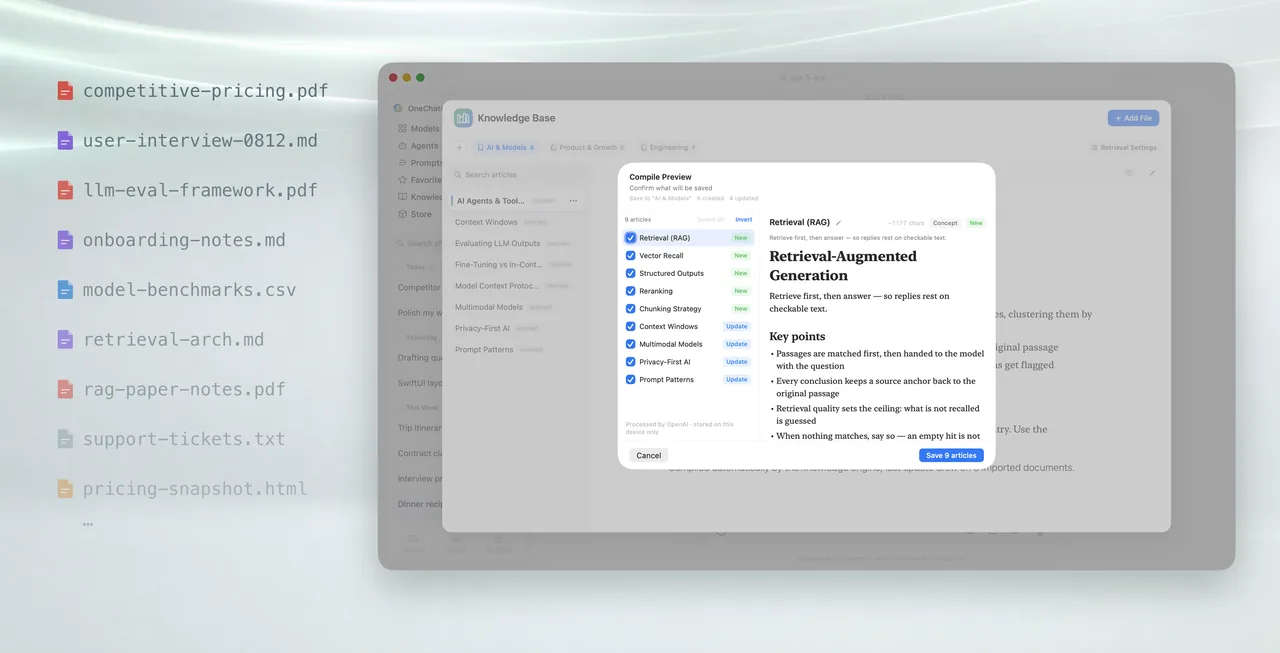
Simple by design
Powerful features that stay out of your way.
Fast & Fluid
Powered by on-device intelligence. Responses stream instantly without waiting for the cloud.
Private & Secure
Your conversations stay on your device. We don't collect or train on your personal data.
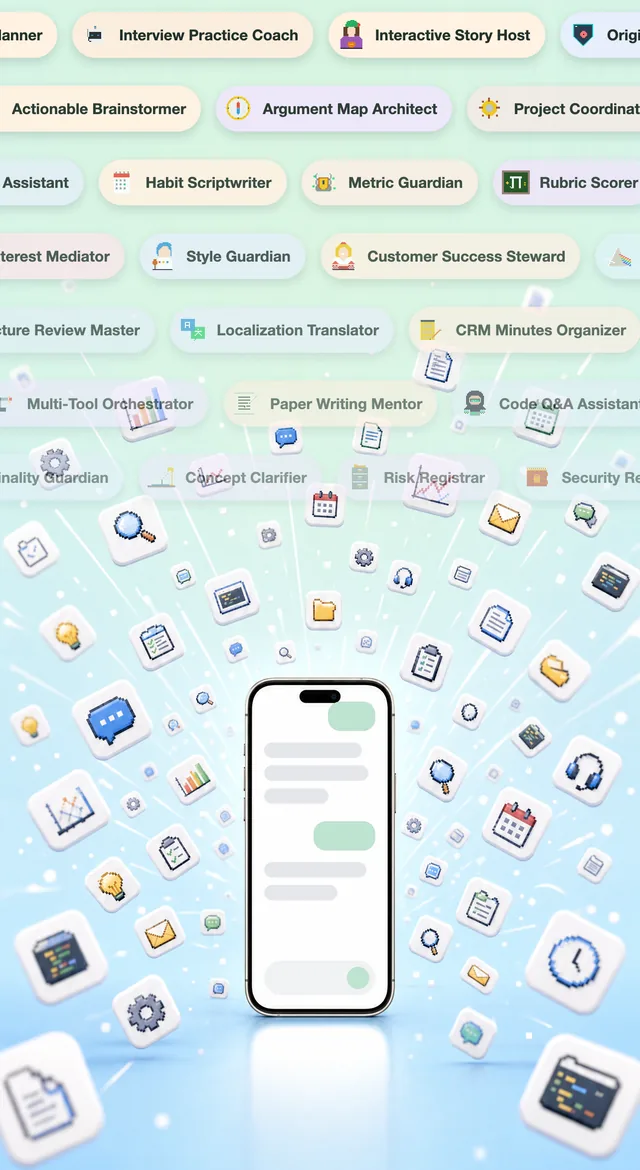
Specialized Agents
Built-in experts for Coding, Writing, Analysis, and more.
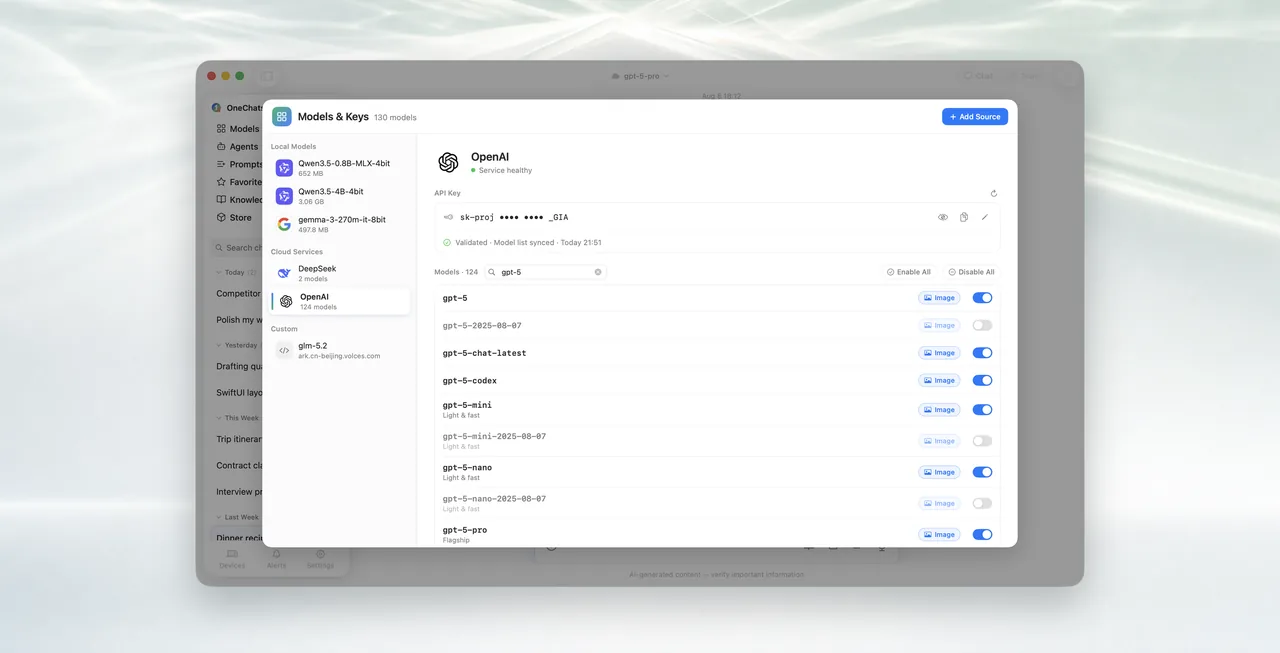
All Major Providers
Connect with OpenAI, Anthropic, Google Gemini, DeepSeek, and more.


Latest News
Stay updated with OneAce
Frequently Asked Questions
Everything you need to know
OneAce is a one-time purchase app with no subscriptions or in-app purchases. Pay once, own it forever. No hidden fees, no recurring charges.
Your privacy is our top priority. All conversations are stored locally on your device only. We never collect, access, or transmit your chat data. If you enable iCloud sync for multi-device access, your data is stored exclusively in your personal iCloud account.
OneAce supports all major AI providers including OpenAI (GPT-5), Anthropic (Claude), Google (Gemini), Alibaba (Qwen), DeepSeek, and xAI (Grok). On Apple Silicon Macs you can also run local, on-device models fully offline. We continuously add support for new models.
Yes, you'll need to obtain API keys from each provider you wish to use. This approach ensures your conversations go directly to the AI providers without passing through our servers. Visit each provider's official website to create an account and generate your API keys.
iOS and macOS versions are now available on the App Store with seamless cross-device sync via iCloud. iPad version is coming soon. Android version may be considered based on user demand.
OneAce is a unified interface for multiple AI providers — reach OpenAI, Claude, Gemini, DeepSeek, and more from a single app, no switching required. It goes further, too: hand a goal to Agent Team and a team of agents researches it in parallel, cross-checks the findings, and writes a fully cited report for you.
Import your PDFs, documents, and notes, and OneAce uses AI to compile them into structured articles. Turn on Knowledge Base and the AI answers strictly from your own material, citing its sources. You can create multiple knowledge bases, and they sync across your devices.
Start a task on your iPhone and your Mac does the heavy lifting in the background: Remote Mode auto-claims the task, and for Deep Research a team of agents breaks the problem down, searches and browses the web in parallel, and cross-verifies findings into a fully cited report. Results sync back to your iPhone live via iCloud. These features require a Mac running OneAce with Remote Mode enabled.
Yes. On Apple Silicon Macs, OneAce can run LLMs fully on-device with MLX — no API key, completely offline, and your data never leaves the machine. Your iPhone can call your Mac's local models over your home network, secured by TLS, certificate validation, and same-iCloud-account authentication.
Get started with OneAce
The smarter way to chat, create, and do.